Emmet for HTML: A Beginner’s Guide to Writing Faster Markup
A
Backend Developer
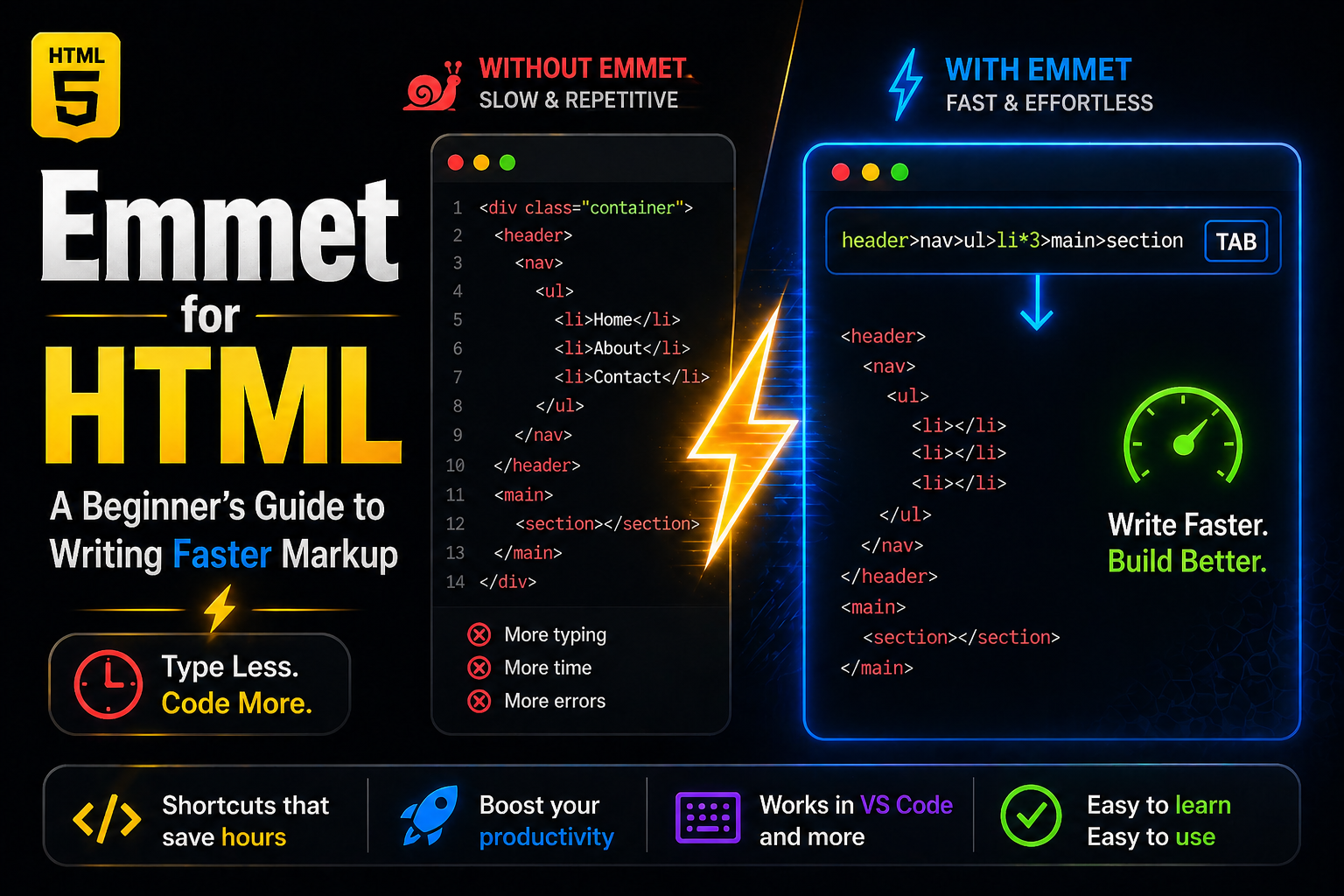
Writing HTML like this…
<div>
  <ul>
    <li></li>
    <li></li>
    <li></li>
  </ul>
</div>
…again and again is slow and repetitive.
Now watch this:
div>ul>li*3
Press Tab → Done
That’s Emmet
What is Emmet? (Simple)
Emmet is a shortcut language that lets you write HTML using short expressions, and it expands into full code instantly.
Think:
Type less → get more
Why Emmet is Useful (especially beginners)
Write HTML 10x faster
Focus on structure, not typing
Avoid repetitive typing
Helps you understand HTML hierarchy better
How Emmet Works (in editor)
Most editors (like VS Code) already support Emmet.
Steps:
Open any
.htmlfileType Emmet abbreviation
Press Tab (or Enter)
It expands into HTML
Basic Emmet Syntax
1. Create Elements
div
Expands to:
<div></div>
2. Add Classes and IDs
div.container
<div class="container"></div>
div#app
<div id="app"></div>
3. Combine Everything
div#app.container.main
<div id="app" class="container main"></div>
Nested Elements (VERY IMPORTANT)
Use > for nesting:
div>ul>li
<div>
  <ul>
    <li></li>
  </ul>
</div>
This is where Emmet becomes powerful.
Repeat Elements
Use *:
ul>li*3
<ul>
  <li></li>
  <li></li>
  <li></li>
</ul>
Add Text Content
p{Hello World}
<p>Hello World</p>
Attributes
a[href="https://google.com"]
<a href="https://google.com"></a>
Numbering (Pro but simple)
ul>li.item$*3
<ul>
  <li class="item1"></li>
  <li class="item2"></li>
  <li class="item3"></li>
</ul>
Full Layout Example
header>nav>ul>li*3
Expands into full structure instantly.
Final Thought
Emmet doesn’t replace HTML.
It amplifies your speed.


