Understanding HTML Tags and Elements (Beginner Guide)
Every website you see…
Like Instagram, Google, Your portfolio
All of them are built on one thing:
HTML
Think of HTML as the skeleton of a webpage
Without it — nothing exists.
What is HTML?
HTML stands for:
HyperText Markup Language
It is used to:
Structure content
Define elements on a webpage
Tell the browser what to display
What is an HTML Tag?
An HTML tag is a keyword wrapped in angle brackets.
<p>
This is a tag
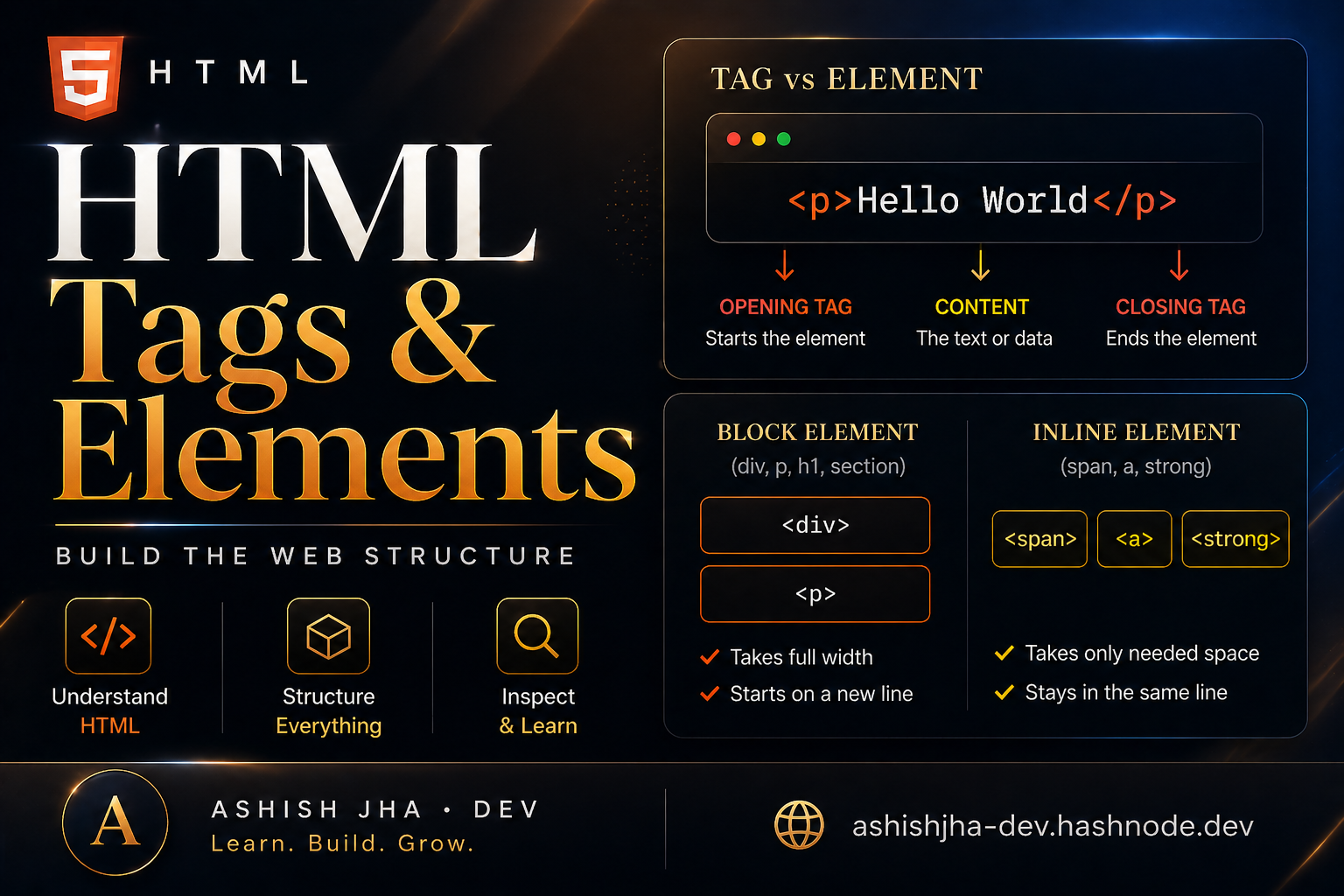
Opening Tag, Closing Tag, Content
Most HTML elements follow this structure:
<p>Hello World</p>
Breakdown:
<p>→ Opening tagHello World→ Content</p>→ Closing tag
What is an HTML Element?
An HTML element = complete structure
Opening tag + content + closing tag
<p>Hello World</p>
This whole thing = element
Simple Analogy
Think of it like a box
Tag = box structure
Content = what’s inside
Element = full box with content
Self-Closing (Void) Elements
Some elements don’t need closing tags
Example:
<img src="image.jpg" />
<br />
<hr />
These are called void elements
Block vs Inline Elements
Block Elements
Take full width
Start on a new line
Examples:
<div></div>
<p></p>
<h1></h1>
Inline Elements
Take only required space
Stay in the same line
Examples:
<span></span>
<a></a>
<strong></strong>
Example
<div>
  <h1>Title</h1>
  <p>This is a paragraph</p>
  <span>Inline text</span>
</div>
div, h1, p = block, span = inline
Common HTML Tags
| Tag | Use |
|---|---|
h1 |
Heading |
p |
Paragraph |
div |
Container |
span |
Inline container |
a |
Link |
img |
Image |
Pro Tip - IMP!
Right-click any website → Inspect
You can see real HTML structure
This is how developers learn fast.
Final Thought
HTML is not just syntax.
It’s how you structure the web
Master this → everything becomes easier.


