Arrow Functions in JavaScript (A Simpler Way to Write Functions)
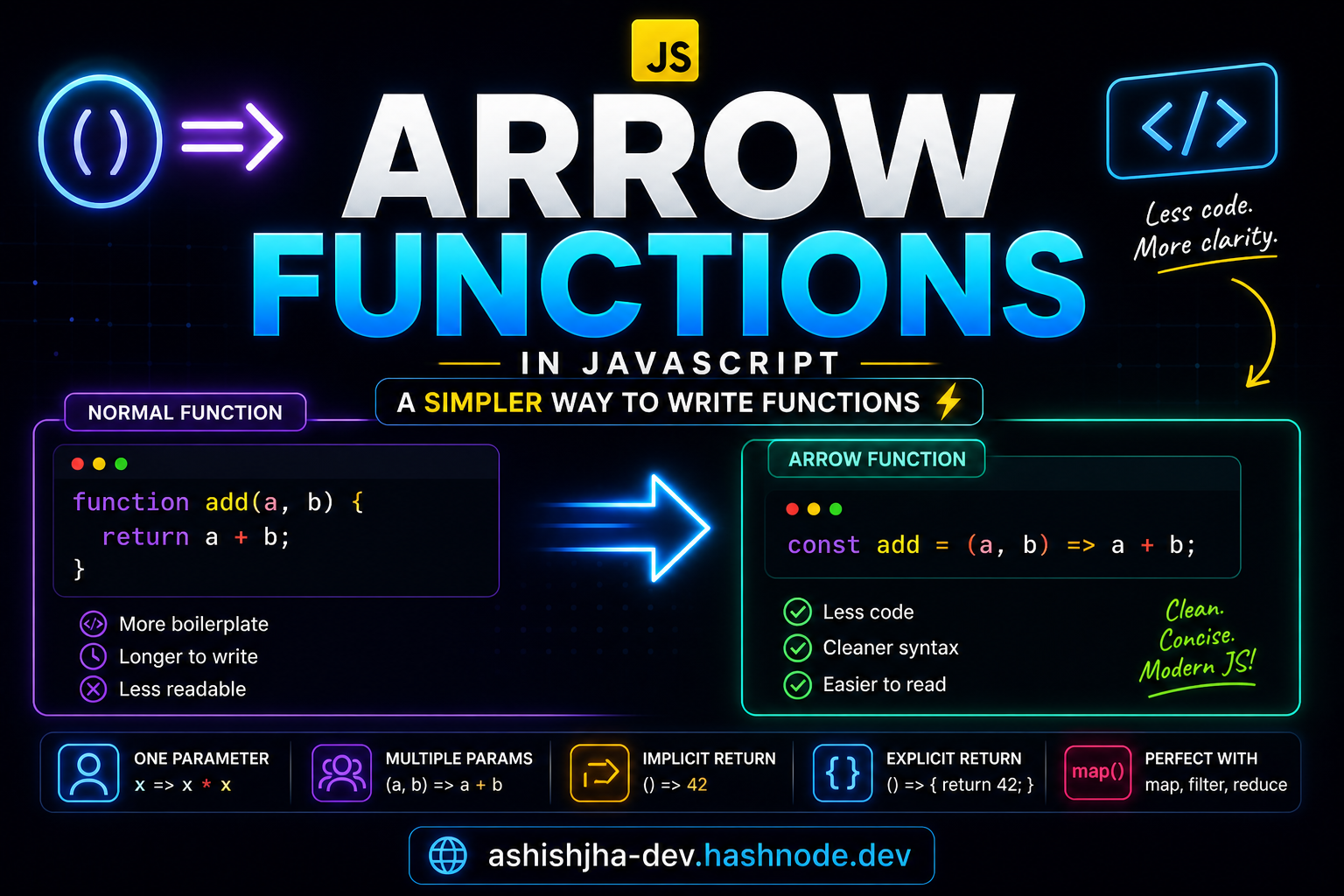
When you first learn JavaScript functions, you write something like this:
function add(a, b) {
  return a + b;
}
It works perfectly.
But after some time, you’ll notice something:
This feels a bit long for such a simple task.
Now look at this:
const add = (a, b) => a + b;
Same result. Less code. Cleaner.
This is what arrow functions are all about.
What Problem Do Arrow Functions Solve?
Before arrow functions, writing functions required more boilerplate.
Even for small operations, you had to write:
the
functionkeywordcurly braces
return
This made simple functions look bigger than they actually were.
Arrow functions were introduced to make code:
shorter, cleaner, easier to read
What is an Arrow Function?
An arrow function is just another way to write a function.
It does the same job as a normal function. The only difference is how we write it.
Instead of using the function keyword, we use:
() => {}
That arrow (=>) is what gives it the name.
Basic Syntax
Let’s understand the structure first.
const greet = () => {
  console.log("Hello");
};
Here:
greetis the function name()holds parameters=>connects parameters to the function body
It may look new at first, but it’s just a shorter way to define a function.
Arrow Function with One Parameter
When a function has only one parameter, JavaScript allows an even shorter form.
const square = (x) => {
  return x * x;
};
This can be written as:
const square = x => x * x;
In this version, we removed:
parentheses around
xcurly braces
the
returnkeyword
Because JavaScript understands it automatically.
Arrow Function with Multiple Parameters
If there are multiple parameters, you must keep parentheses.
const add = (a, b) => {
  return a + b;
};
You can also shorten it:
const add = (a, b) => a + b;
Clean and easy to read.
Implicit Return vs Explicit Return
This is one of the most important concepts.
Explicit Return (Normal Way)
const add = (a, b) => {
  return a + b;
};
Here, we are clearly writing return.
Implicit Return (Short Way)
const add = (a, b) => a + b;
In this case, JavaScript automatically returns the result.
Simple Understanding
If your function has:
one simple expression → no need to write return multiple lines → you must use return
Multi-line Arrow Function
If your function has more than one line, you need {} and return.
const greetUser = (name) => {
  const message = "Hello " + name;
  return message;
};
Here, JavaScript cannot guess the return value.
So we must write it manually.
Difference Between Normal Function and Arrow Function
At a basic level, both are used to create functions.
But arrow functions are:
shorter
cleaner
easier to read
For beginners, the most important thing is:
They are just a simpler way to write functions.
(There are deeper differences like this, but you don’t need that right now.)
Real Use Case (Where You’ll See This)
Arrow functions are used everywhere in modern JavaScript.
Example: Using with map()
const numbers = [1, 2, 3];

const squares = numbers.map(n => n * n);

console.log(squares);
Here, arrow functions make the code compact and readable.
Without them, this would look longer and harder to follow.
Before vs After (Very Important)
Normal Function
function multiply(a, b) {
  return a * b;
}
Arrow Function
const multiply = (a, b) => a * b;
Real Difference
The second version:
removes unnecessary syntax
focuses only on logic
looks cleaner
Best Way to Remember
Think like this:
“Arrow functions remove extra writing and keep only what matters”
Final Thought
Arrow functions don’t change what functions do.
They change how cleanly you can write them. And clean code is easier to read, maintain, and understand.


